
Late last year, I spent time learning about Spec Driven Development with AWS. Since then, I’ve found an opportunity to put that learning into practice, and some of the most interesting progress has been in how product managers work before anything gets built.
We’re using AI to explore ideas, develop the thinking, and create prototypes earlier in discovery. This is happening now, although we’re still working out what good looks like.
The starting point is familiar. Assess an idea, decide whether it warrants discovery, and pull it into a product lean canvas. What’s changing is the interaction around that work. We’re using a Claude skill to help PMs explore and refine their thinking, with an agent to spar with as they go.
Previously, I’ve used initiative briefs to encourage systems thinking: the problem, the opportunity, business drivers, benefits, goals, measurable outcomes. Writing those things down helps expose the gaps between an interesting idea and something worth pursuing. Working with an agent makes that process more conversational. A PM can question an assumption, explore a consequence, or follow a thread further while the thinking is still taking shape. There’s more opportunity to work through the uncertainty before bringing it into the next team conversation.
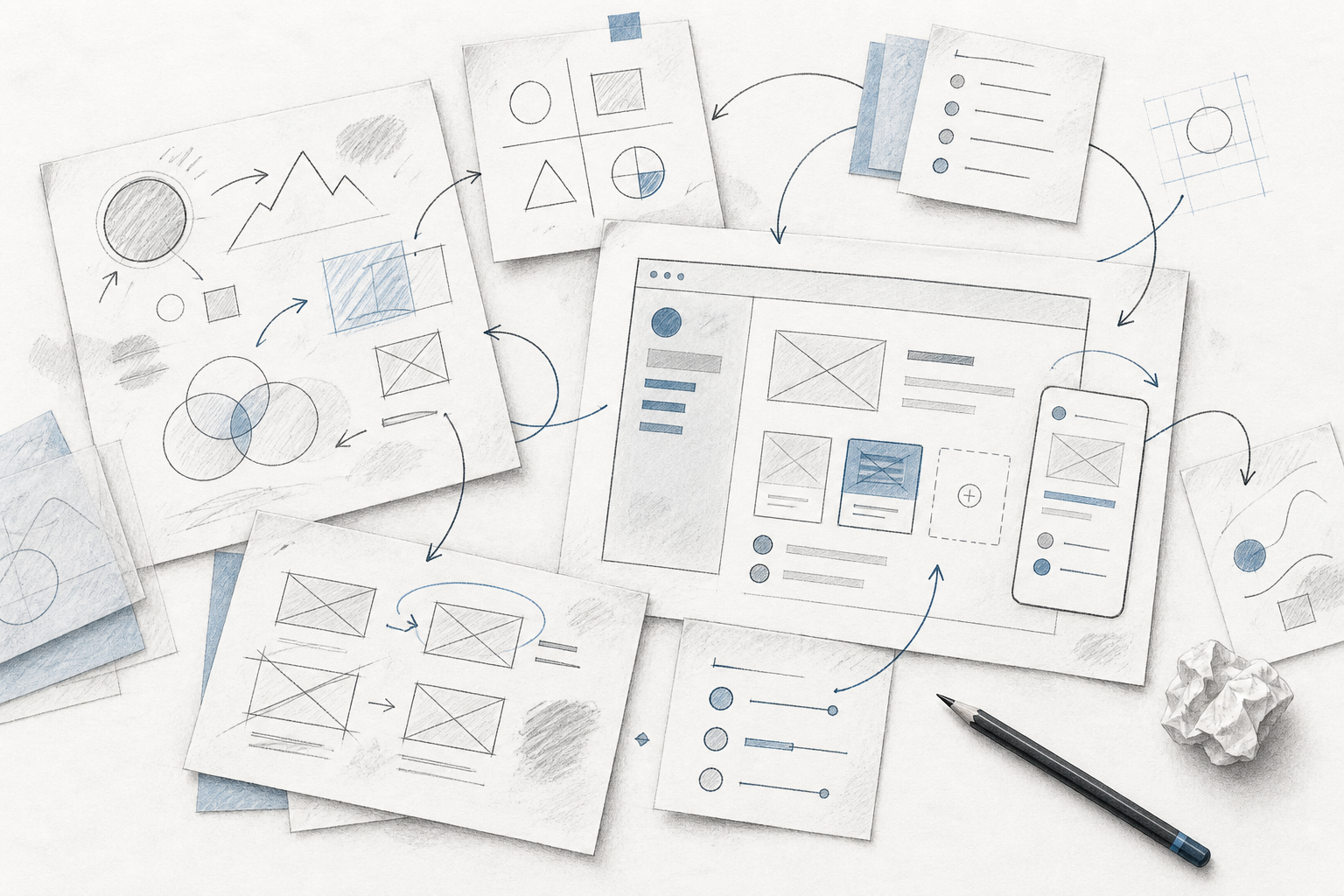
Alongside the lean canvas, PMs are now creating a prototype in Claude. The design team has provided a design.md file and a design system, which means those early concepts can look close to the product we’d eventually build. Feed in the lean canvas and we can get to something tangible quite quickly. People can click through an idea, react to it, and spot things that were difficult to see in the written description.
There’s a product design perspective here that I want to come back to in a separate post. I’m quite excited about where this is heading: how design systems and design principles expressed in Markdown can guide what an AI tool produces, and what that means for the work of product designers. I’ll park that for now, because it deserves a closer look of its own.
That ability to make an idea look real is also the part I’m a little uneasy about.
It’s very easy to get excited about a solution once it looks convincing. If we can generate something that feels like our product in a short amount of time, do we move into solution mode before we’ve properly understood the problem? A familiar-looking interface can make an unresolved idea feel further along than it is.
But I think there’s something worth trying here. Visualising an idea might help us understand the problem more clearly: where the proposed flow doesn’t make sense, what we’ve assumed about the user, or why we’re trying to solve this particular thing at all. The prototype needs to remain something we can question, change, or throw away.
As the work moves into a product requirements document (PRD), we can narrow in on the part of the opportunity we want to address first. We’re starting to see designers take the PM’s prototype and get towards a build-ready design faster. They have something tangible to interrogate and develop, alongside the reasoning in the specs.
Throughout this, collaboration between product, design, engineering, and data remains essential. Those perspectives need to shape the problem and the proposed direction while both are still open. AI agents can participate in that process, helping us tease out nuance and considerations sooner. The team still has to challenge the thinking together.
Putting last year’s learning into practice is raising questions I’m enjoying working through. I’m encouraged by how quickly we can make an idea understandable. What I’m watching is whether that also helps us ask better questions, and whether we stay willing to change direction once there’s something on screen.